Copilots vs. Autopilots
The most important distinction in freight scheduling automation
The paradox of freight scheduling software today is that most platforms marketed as “automation” still depend heavily on humans.
In many cases, even after “scheduling automation” is fully deployed, operators still need to decide when a shipment is ready, choose appointment times, trigger scheduling requests manually, and manage exceptions as they arise.
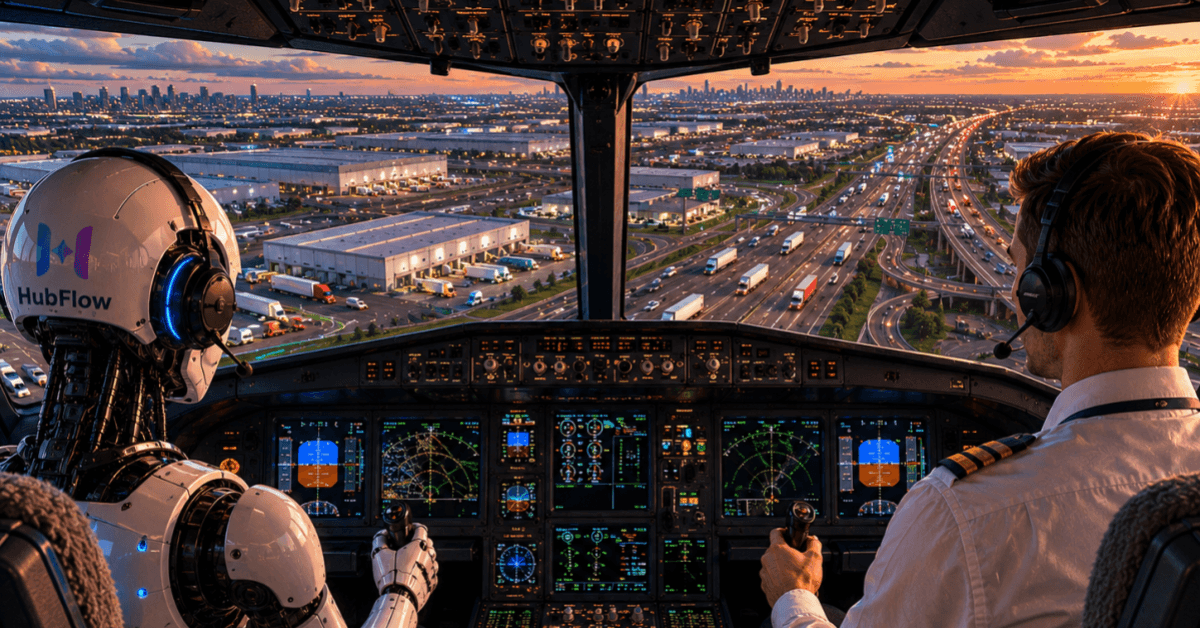
At HubFlow, we think a lot about scheduling automation, since it's our entire focus. We draw a line between copilots that help human operators perform scheduling work more efficiently, and our autopilot that actually does scheduling work by itself.
This distinction seems subtle, but it is worth exploring, since it has major implications for ROI and the operator experience.
The distinction
A scheduling copilot keeps humans inside the execution loop.
The software may send emails, navigate portals, surface recommendations, or centralize communication, but operators are still responsible for initiating workflows and driving scheduling activity forward.
An autopilot works differently.
Instead of waiting for an operator to press a “schedule” button, the system continuously:
monitors loads,
determines when shipments are ready,
initiates scheduling requests,
interprets responses,
updates operational systems,
and escalates edge cases when human judgment is needed.
The best mental model for an autopilot is not software — it is a coworker that operates continuously alongside the team.
Why it matters operationally
Scheduling is a throughput problem.
If you use a copilot, operators still need to manually initiate scheduling activity. Your scheduling capacity is still constrained by staffing levels and your team’s bandwidth. You may improve productivity slightly, but scaling freight volume still requires scaling your operations team.
Removing humans from the execution loop with an autopilot changes that equation.
With an autopilot, scheduling can run 24/7 across nights, weekends, holidays, and volume surges. Teams spend less time on repetitive coordination work and more time managing exceptions, customer priorities, and network-level decisions.
The role of the operations team starts to shift from execution toward orchestration.
In many ways, the model begins to resemble air traffic control.
Air traffic controllers do not pilot individual planes themselves. They orchestrate the behavior of many pilots, intervene when constraints or exceptions emerge, and make high-leverage decisions that require human judgment.
Freight scheduling automation pushes operations teams in the same direction: away from repetitive coordination work and toward supervision, prioritization, and network-level decision-making.
Why autopilots are difficult to build
This change also explains why autonomous scheduling systems are dramatically harder to build than workflow assistants.
Automating a single action — generating an email or navigating a portal workflow — is relatively straightforward. Operating an end-to-end scheduling workflow autonomously inside a real freight network is not.
Freight scheduling involves thousands of fragmented workflows spanning:
150+ shipper portals
ambiguous email communication
facility-specific SOPs
appointment and transit constraints
multi-stop coordination
constant rescheduling activity
The challenge is not simply automating isolated tasks. It is maintaining reliable execution across messy, interconnected operational environments where conditions change continuously.
This is why many scheduling systems that appear effective in demos or controlled workflows struggle in large-scale enterprise freight operations.
What autonomy looks like in production
The operational difference becomes obvious once these systems are deployed at scale.
For example, after implementing HubFlow’s scheduling autopilot, EASE Logistics:
automated 95% of outbound appointment requests
increased scheduling velocity by 3–10x
reduced its Client Services organization from 25 people to 10 while continuing to grow freight volumes.
Instead of operators manually driving every scheduling action, HubFlow’s autopilot operated continuously across nights, weekends, holidays, and volume surges while EASE’s team focused on exceptions and higher-value operational work.
The result was not simply faster scheduling. It was a different operating model entirely.
Conclusion
Copilots can create significant value, especially for teams that want humans involved in every scheduling decision or are earlier in their automation journey.
But companies pursuing large-scale operational leverage often arrive at a different conclusion: if scheduling capacity is still constrained by human throughput, the workflow has not yet been fully automated.
That’s the difference between a copilot and an autopilot.